
The rigs, lenses and checks we rely on for steady live camera work
A look at the pedestals, robotic heads and simple measuring habits we use when setting up cameras for live news and interview sets, and why each one earns its place.
6 minutes to read
Starting with the floor, not the camera
Before any camera is chosen, I walk the studio floor with a tape measure and a roll of coloured tape. Where the presenter sits, where guests enter, how far the back wall is from the desk: these decide more about the picture than the make of the camera. We mark candidate camera positions on the floor and stand a person there, so the producer can see the frame before a cable is run.
This sounds basic, and it is, but it saves the most time. A position that looks fine on a drawing often turns out to put a light stand in shot, or leaves a camera operator walking across a guest's eyeline. Tape on the floor costs nothing and can be moved in a minute, which is why it comes first on every job.
We photograph each marked layout from the proposed lens height and keep those images with the project notes, so everyone agrees what was planned.
- Tape marks for camera, desk and guest positions
- Stand-in person at each mark to check framing
- Photograph of the layout kept with project notes
Pedestals for the work that moves
For studios with an operator on every camera, we rely on pedestals with a smooth, well-balanced column. The point of a pedestal is that the operator can change height during a live show without a visible jolt. We check the counterbalance with the actual camera, lens and prompter fitted, because a rig balanced empty will drift or sink once the full weight is on it.
We also look at the floor. A pedestal rolls well only on a flat, clean surface, so we test the studio floor for ridges and cable covers that catch the wheels. Where the floor is poor, we plan the camera moves around it rather than promising a glide the room cannot give.
Operator comfort matters as well: the prompter, the focus and zoom controls and the viewfinder angle should suit the person who will stand behind them for an hour or more.
Robotic heads where one operator covers several shots
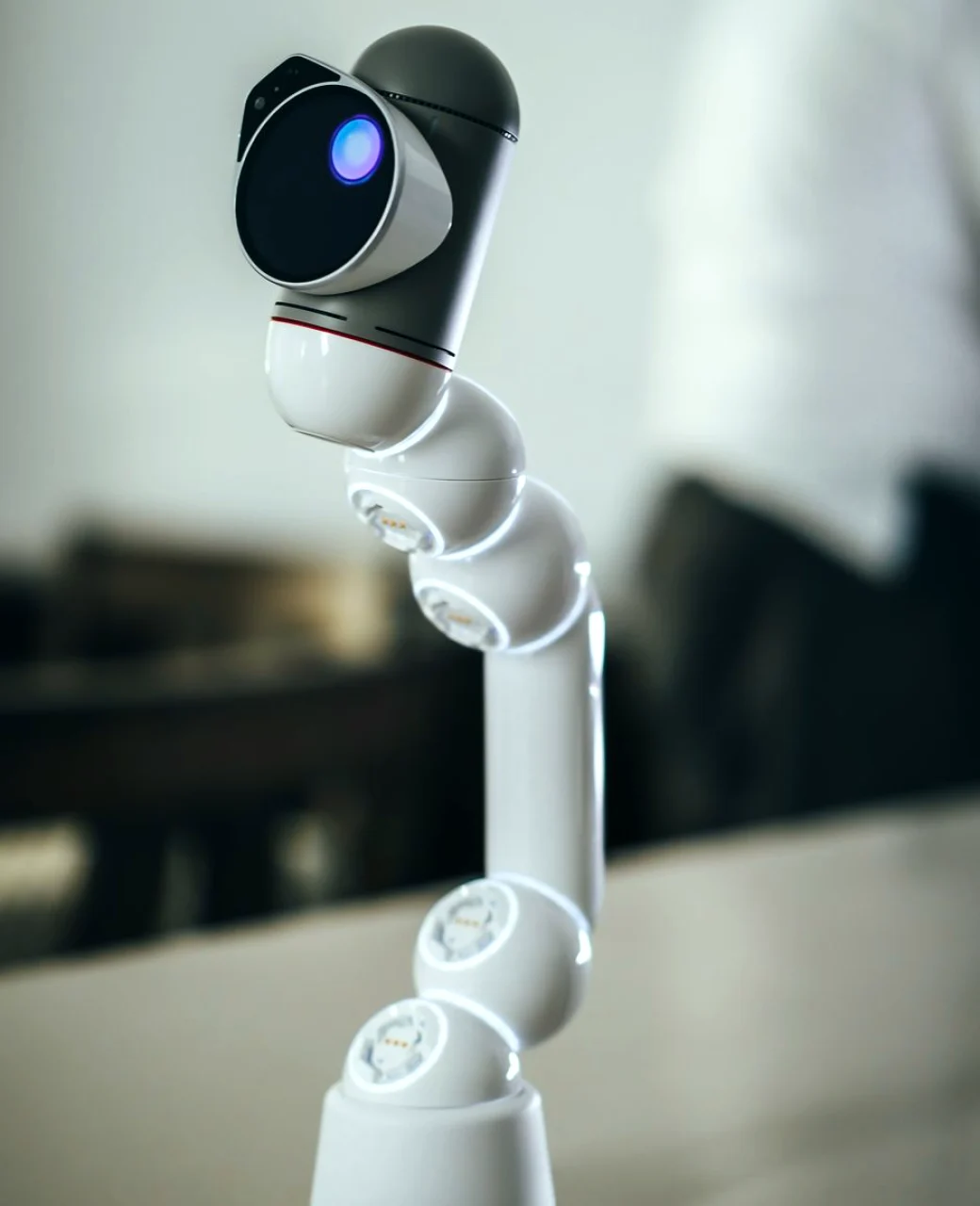
Robotic pan and tilt heads suit small news and interview sets, where one person in the gallery can run two or three cameras. We use them for fixed, repeatable shots: a wide of the set, a two-shot of the desk, a close position on the main presenter. Each shot is stored as a preset, and the operator recalls it with a button instead of reframing by hand.
The weak point of any robotic rig is the speed of its moves. A preset that swings across the set in two seconds looks nervous on air, so we set the transition speed per shot and rehearse it. We also store the presets with some headroom, so a taller guest does not lose the top of their head.
Robotic heads still need a person watching the picture. We brief operators to check each recalled shot against the monitor rather than trusting the stored position blindly.
- Stored presets for wide, two-shot and close positions
- Move speed set and rehearsed for each shot
- Headroom left for guests of different heights
Lenses, supports and the small hardware that matters
Lens choice follows the room. In a short studio we use wider lenses and sit the cameras closer to the set, then check that faces do not stretch at the edge of frame. In a longer room we can place cameras further back and use a longer lens for a flatter, more flattering picture of the presenter.
Cable handling is the unglamorous part that causes most live faults. We use proper camera cable with strain relief at the head, leave a loop at the pedestal base so the camera can turn, and label both ends of every run. A labelled cable can be traced in seconds when something fails during a programme.
We also fit a simple tally and talkback path to each camera, so the operator knows when their shot is live and can hear the director without shouting across the studio.
- Lens matched to studio depth
- Strain relief and a service loop on every cable
- Tally and talkback fitted to each camera
Checks we run before anyone goes on air
Before a live show we run the same short sequence on every camera. We check focus on a printed chart at working distance, set white balance under the actual studio lighting, and confirm that every camera matches the others on skin tone. Two cameras that disagree on colour are obvious the moment a director cuts between them.
We then walk each pedestal through its full range of moves with the cable attached, looking for snags, and test every robotic preset from a cold start. Any fault we find at this point costs a few minutes. The same fault on air costs a good deal more.
Finally we record the settings in the handover notes, so the next crew can return the system to a known good state if something is knocked or changed.
Briefing the people behind the cameras
Equipment only gives steady pictures when the operator knows what is wanted. I brief each operator with a shot list tied to the rundown: which camera takes the opening wide, who covers the guest, where to be during the interview. We rehearse the moves at least once at full speed, with the presenters in place.
I keep the briefing short and visual. A sheet with the set plan and numbered camera positions is easier to follow under pressure than a page of text. Operators mark their own notes on it, and those notes often improve the next version.
Good operation is mostly consistency: the same headroom, the same eyeline, the same calm hand on every cut.
- Shot list matched to the programme rundown
- One full-speed rehearsal with presenters present
- Set plan with numbered camera positions
None of this equipment is unusual. What makes live camera work dependable is the order we use it in: positions marked on the floor first, rigs balanced with their real load, presets rehearsed at air speed, and settings written down afterwards. If you are weighing up a new set or an ageing camera setup, these checks make a sensible first conversation, and we are glad to walk through them at your studio.
Ask for a quote
- Call us
- 01738 450172
- Write to us
- [email protected]